01
Edit with a sentence
No selection tools to learn. Describe the change and the model makes it.
Upload a photo and describe the change in plain words. Swap the background, change a color, or add an object, and see the price before you press Create.
You pay the credits shown, only when you press Create. If a run fails, they come back to your account automatically.
The credits for one edit on each model at each resolution. One credit is $0.01.
| Model | Length | Resolution | Sound | Inputs | Typical run |
|---|---|---|---|---|---|
| Nano Banana 2.1Image | Still image | 1K, 2K, 4K | n/a | Text, or an image to edit | 7 credits ($0.07)one image at 1K |
| GPT Image 2.6Image | Still image | 1K, 2K | n/a | Text, or an image to edit | 13 credits ($0.13)one image at 1K |
| Seedream 5.5Image | Still image | 1K, 1.5K, 2K | n/a | Text, or an image to edit | 10 credits ($0.10)one image at 2K |
It changes a photo based on what you write. Upload one image, describe the edit, and the model returns a new version as a PNG. There are no brushes or layers: the prompt does the work. Pick one of 3 models: Nano Banana 2.1, GPT Image 2.6, and Seedream 5.5. Results vary by model, so if one edit misses, try the same prompt on another.
Try it now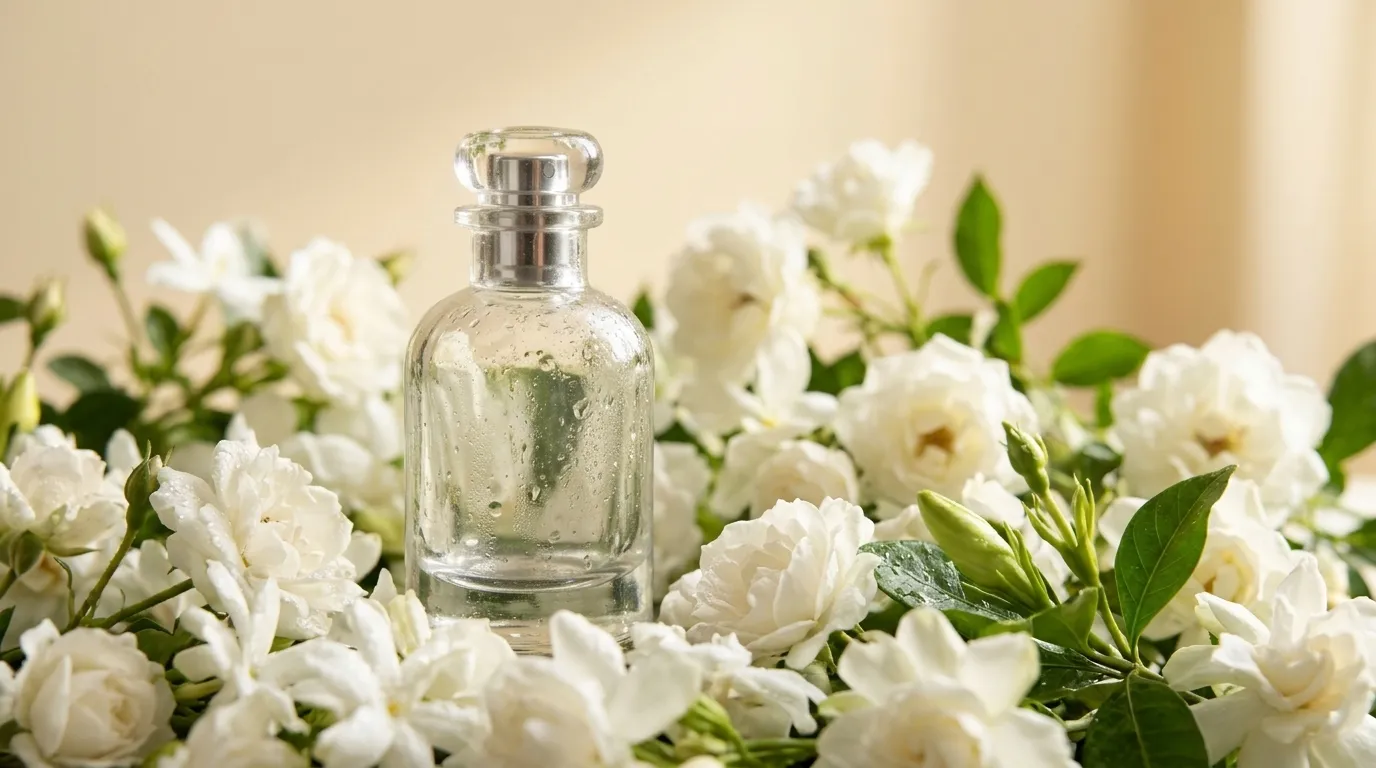 © ReelTorch, made with Nano Banana 2.1
Use a JPEG, PNG, or WebP up to 10 MB.
Say what to change and what to keep, for example "make the sky orange, keep the people as they are".
Keep the shape of your photo or pick a new ratio, then pick the resolution.
Press Create, then preview and download the edited PNG.
Edits in words, with the price before every run.
01
No selection tools to learn. Describe the change and the model makes it.
02
Nano Banana 2.1, GPT Image 2.6, and Seedream 5.5. If one result misses, run the prompt on another.
03
The result can keep the aspect ratio of your photo, or switch to a new one.
04
We delete our copy of your photo after 1 day and of the result after 7 days. The privacy policy covers what our provider keeps.
05
If a run fails, the credits return to your balance on their own.
It depends on the model and resolution. At 1K, an edit costs 8 credits ($0.08) on Seedream 5.5, 7 credits ($0.07) on Nano Banana 2.1, and 18 credits ($0.18) on GPT Image 2.6.
JPEG, PNG, or WebP files up to 10 MB, 240 to 8,000 px a side. One photo per edit.
Usually, but not always. Say clearly what should stay the same. If something else changes, run it again or try another model.
Only if you have the right to use the photo, and the person agrees. Models may refuse some edits. If a run is refused, your credits come back.
You get the credits back automatically and in full. That covers runs that fail, time out, or get blocked by the model's content rules.
7 days, then they are deleted, so download what you want to keep. We don't store your prompts, and our copy of an uploaded image is deleted after 1 day. Our generation provider keeps its own records, as the privacy policy explains.